Get Flowrensic running
The standalone Compose setup starts Flowrensic, Temporal, Prometheus, Grafana, and a demo worker. The demo worker creates sample findings so you can explore the UI immediately. Create a directory for the Compose file, then copy the YAML below into a file nameddocker-compose.yml. Use the code block’s copy button to copy the full file.
docker compose down. To stop it and remove its persisted data, run docker compose down -v.
This Compose file is a local standalone demo. It starts its own Temporal server and demo worker. For an existing Temporal deployment, configure the standalone service to connect to that server and remove the demo worker service.
Add the Node SDK to a worker
Install the package in your Temporal worker project:local environment and the default namespace. For a worker running on your host, use Flowrensic at http://127.0.0.1:8080 and the local environment key local-access-key (change it before exposing the service beyond your machine). Get the namespace ID with:
id of the default namespace in the response below. Create a sink once when your worker process starts, then attach the activity interceptor. envInstanceId should identify this worker process; version can be your deployed code version.
@flowrensic/node; the SDK requires Temporal 1.24 or newer.
Screenshots
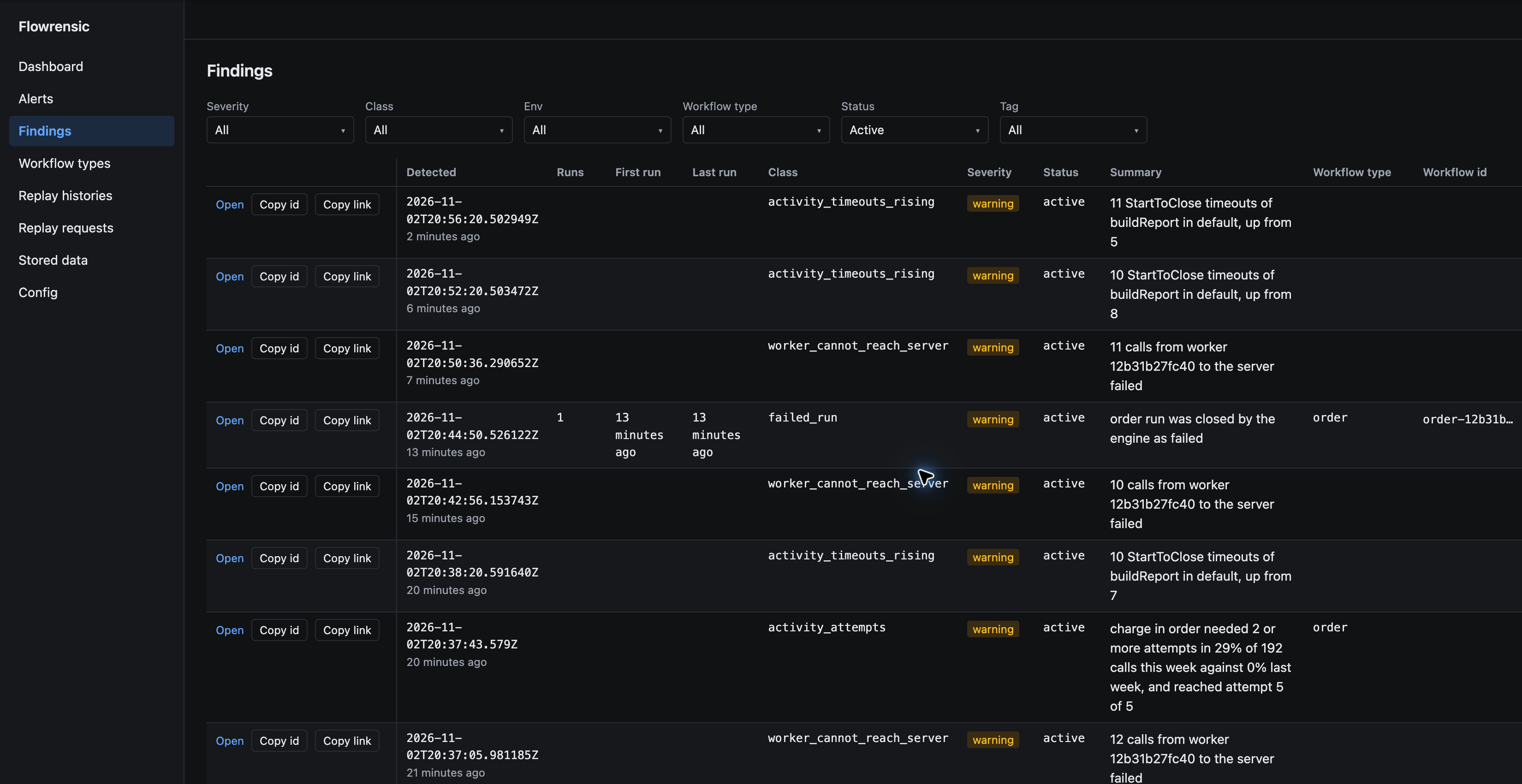
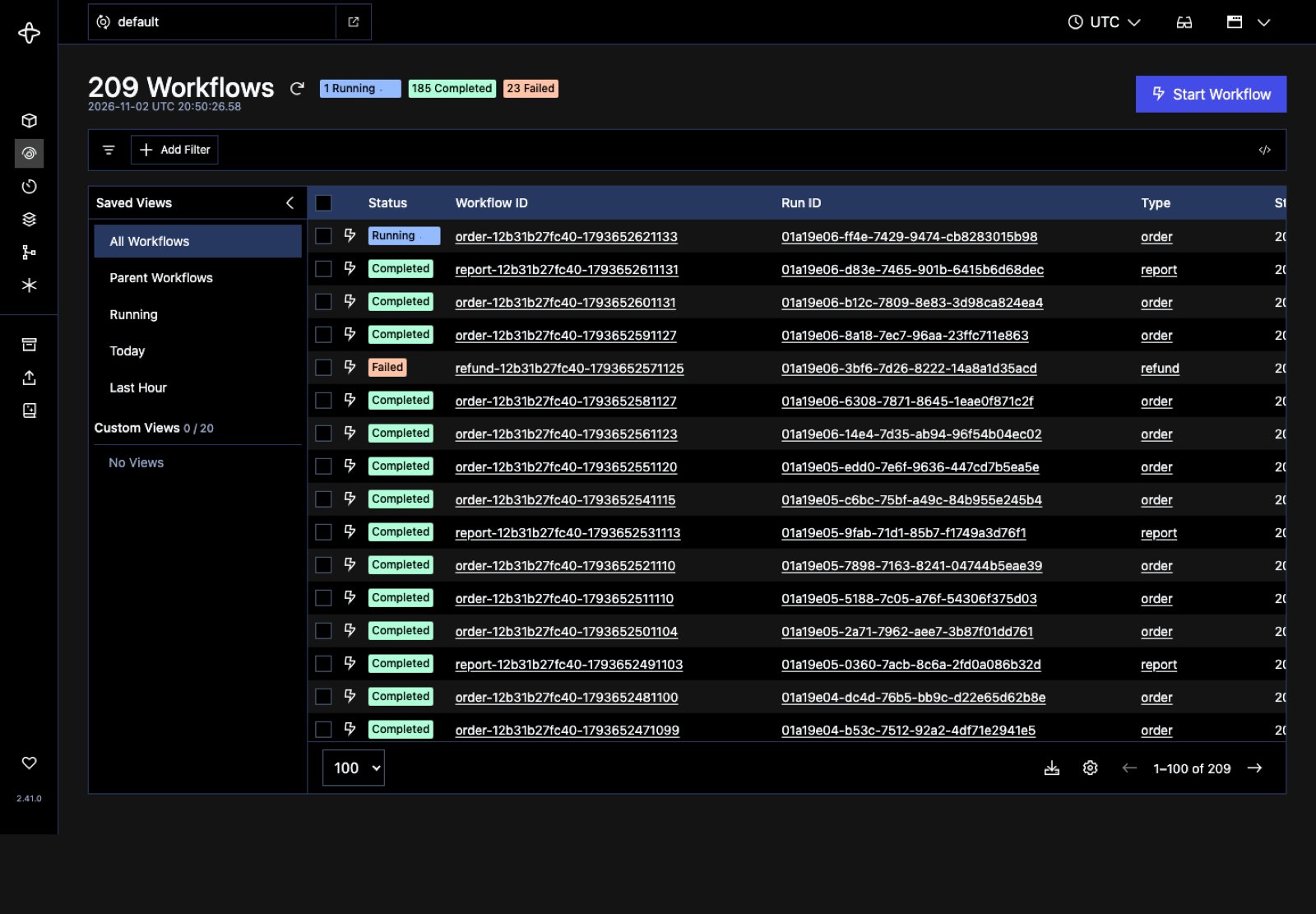
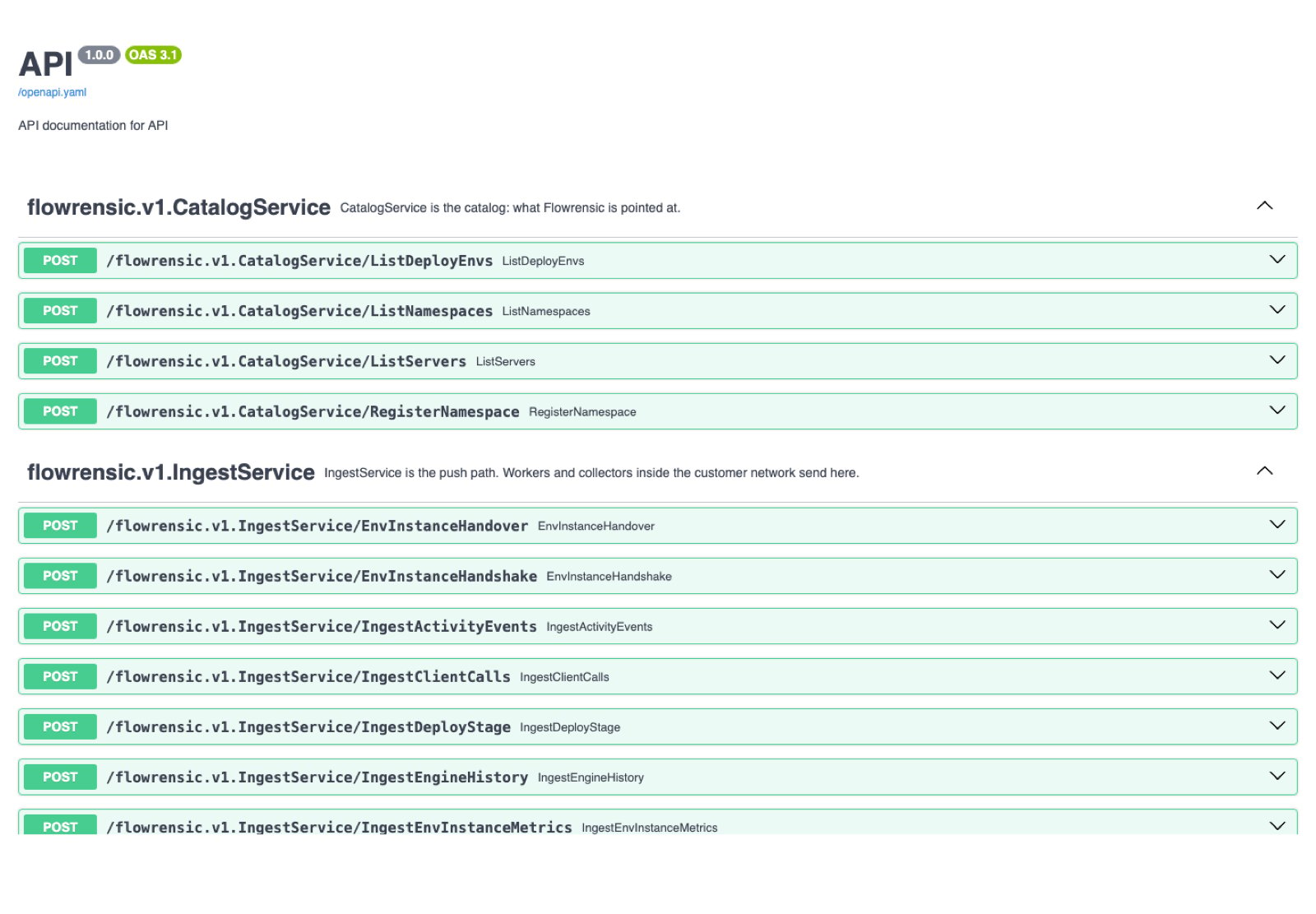
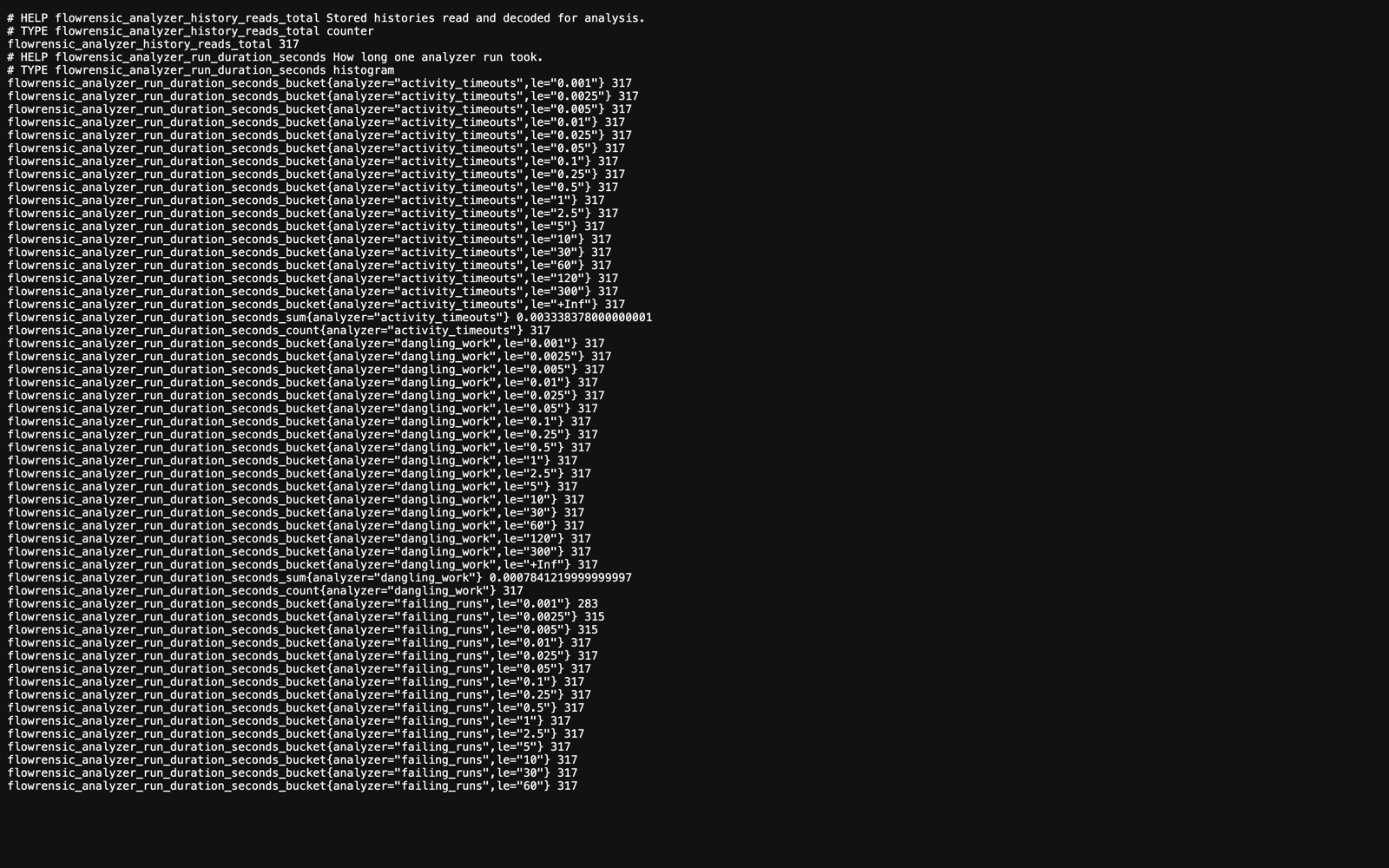
Browse the screens for each browser-accessible URL in the standalone Compose setup. Select a tab or use the arrow keys.- Findings
- Temporal UI
- API docs
- Flowrensic metrics
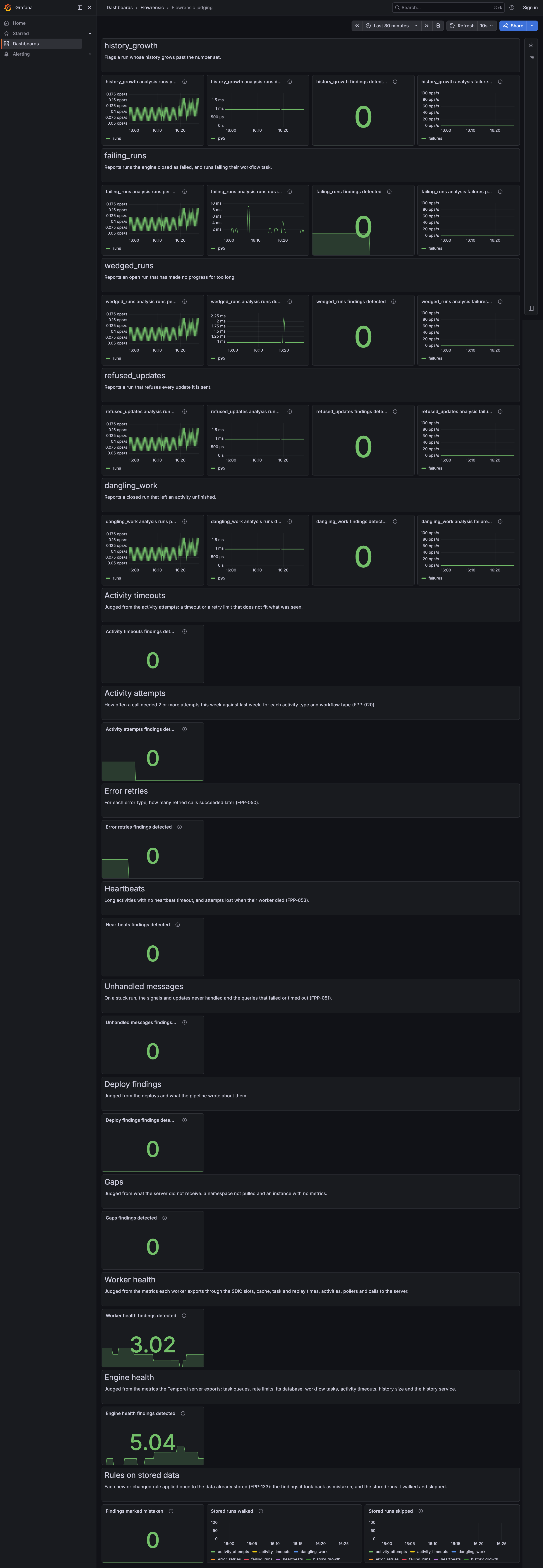
- Judging dashboard
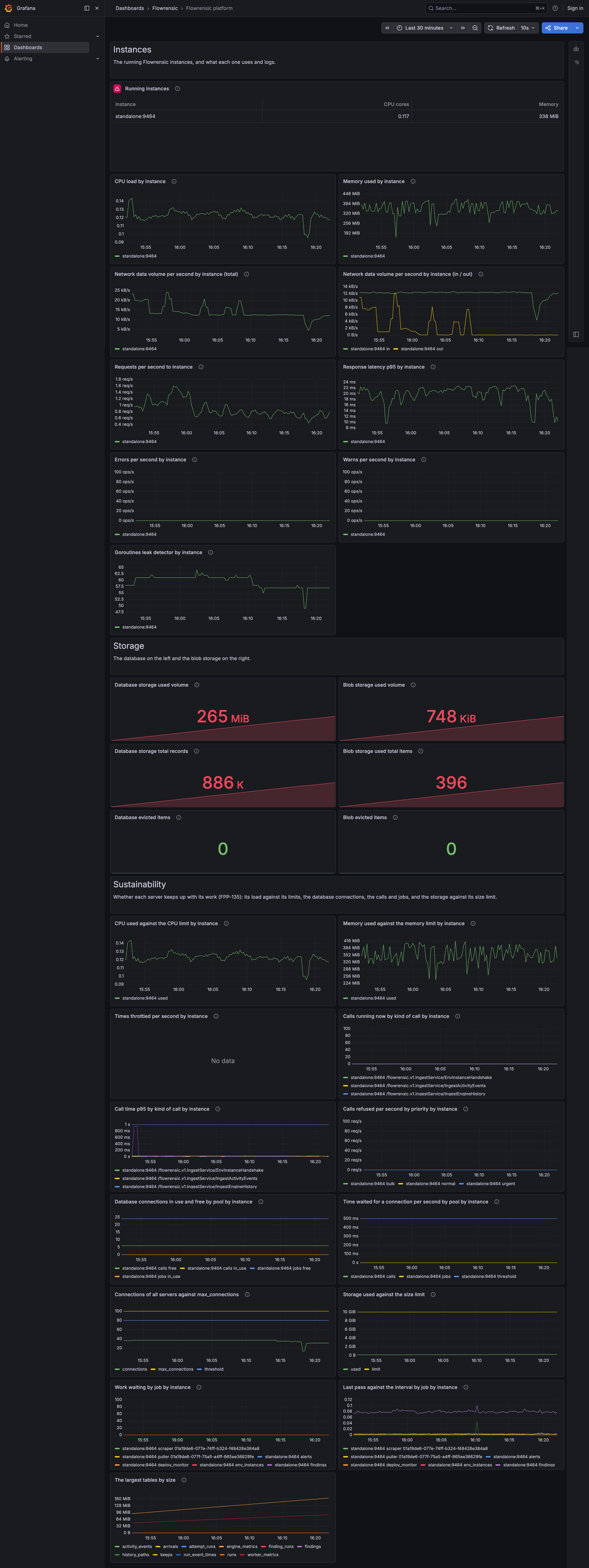
- Platform dashboard
- Storage and ingest
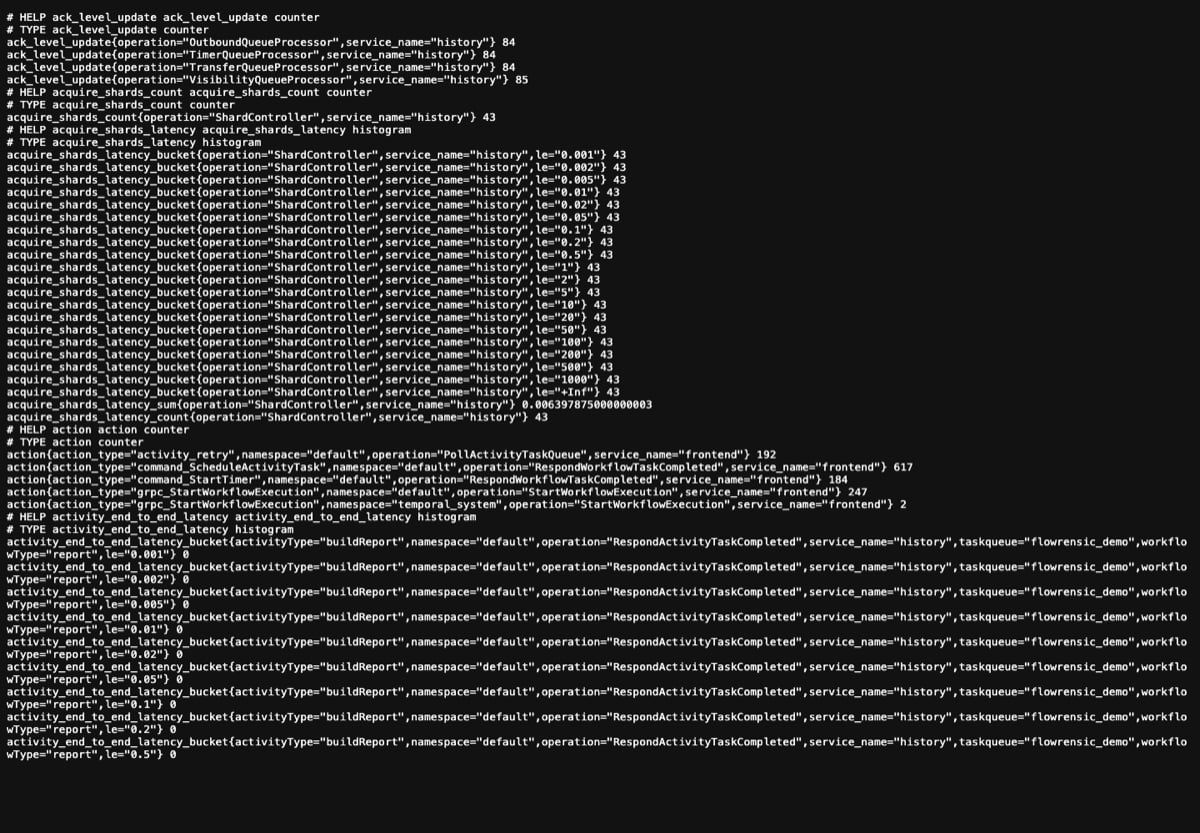
- Temporal metrics